
MonsterInsights Pro
New versions delivered weekly. Install instantly from your WordPress dashboard — no ZIP uploads.
✓ Same as wp.orgPush directly to any site from your dashboard. Zero downloads, zero FTP, zero manual steps.
✓ Unlimited sitesAbout this plugin
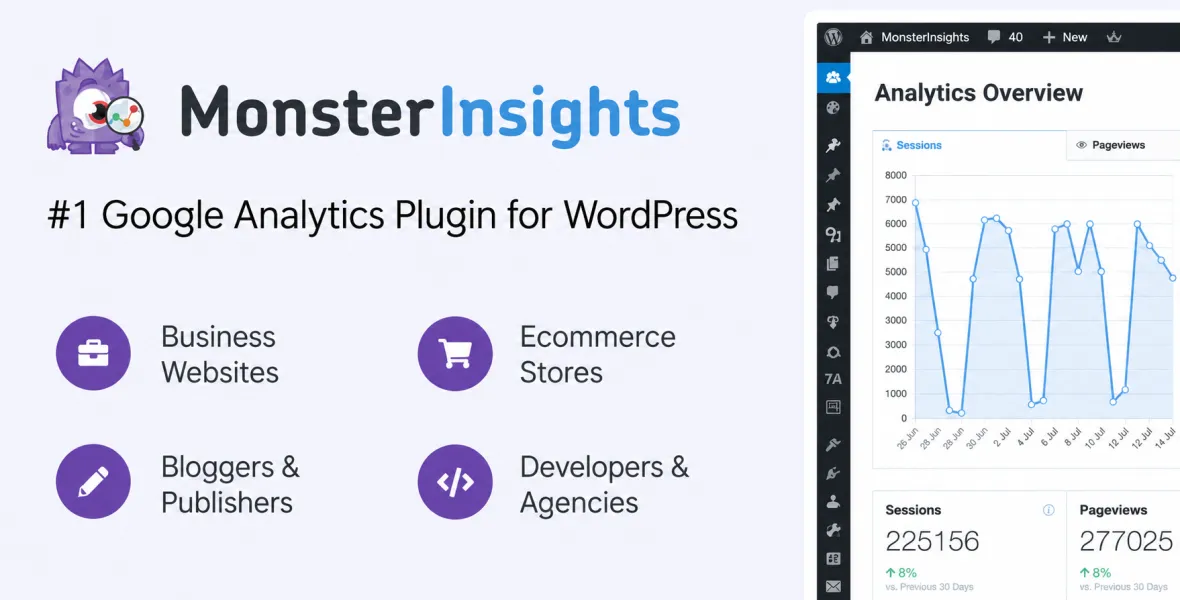
MonsterInsights Pro is a premium Google Analytics plugin for WordPress that makes tracking your website’s performance genuinely straightforward.
It’s perfect for bloggers, eCommerce store owners, and small-business teams who want clear data without having to dig through complex dashboards. The plugin connects directly with WooCommerce and Google Search Console, giving you real-time stats, audience reports, and conversion tracking right inside your WordPress admin. No coding needed, just honest insights to help you grow smarter.
Version 11.3.0
Latest 16 Sep 2026- Page Insights now opens instantly in the editor sidebar, the admin bar panel, and the classic editor metabox
- The Overview report loads faster and shows the Pages widget even without the Page Insights addon
- Update checks for your addons are faster, with one request covering all of them instead of one for each
- The form conversion upgrade prompt now names the form plugin you already use, and appears far less often
- Sites already using Contact Form 7 or Jotform are no longer prompted to install WPForms
- Subsites on a network license can now connect to Google Analytics
- Saving Google settings no longer overwrites a working connection with another site's credentials or with blank ones
- A damaged Google Analytics connection now explains the problem and lets you reconnect
- Connecting a new property now clears the cached reports, so you no longer see the previous property's numbers
- Larger translation catalogues are no longer truncated, so languages such as German, Brazilian Portuguese and Korean now translate fully in reports and blocks
- Translations now also load in contexts that previously skipped them, including WP-CLI, REST requests and cron
- The eCommerce funnel report and Overview widget now say when there is no funnel data, instead of drawing a chart of zeros
- The Measurement Protocol API Secret field is hidden on sites connected through Google
- Screen readers no longer announce the verified badge twice
- The verified badge no longer shifts the page layout while it loads
- Corrected wording and spacing on several admin screens
- A single failing report section no longer blanks the rest of the Overview report
- License actions in the network admin now show confirmation and error messages instead of appearing to do nothing
- An expired network license no longer appears active on subsites
- The network admin no longer reports "No license key activated on this subsite" while a network license is active
- The admin bar insights panel now shows a clear message instead of "-1" when its session has expired
- The admin bar no longer shows zeros for pages that do have data
- The Page Insights metabox no longer gets stuck on "Loading Page Insights" when a request fails
- Various bug fixes and updates
Key features
- Google Analytics Setup: Set up Google Analytics in WordPress with a few clicks and no code necessary.
- WordPress Analytics Dashboard: View useful visitor information inside your WordPress dashboard.
- Audience Reports: See visitor details such as country, interests, device, age, and gender.
- Publisher Reports: Understand which pages visitors enter and leave from, plus which outbound links get clicked.
- Content Reports: See which content gets the most visits.
- Ecommerce Reports: Review store stats like total revenue, conversion rate, average order value, and top referral sources.
- Forms Reports: View conversion stats for contact forms and lead forms.
- Search Console Report: See how well your website is ranking in Google.
- Custom Dimensions Reports: Track popular authors, publication times, categories, tags, and SEO-related stats.
- Site Speed Reports: Track page speed insights and loading times.
- Landing Page Reports: See which pages need optimisation to increase engagement.
- Source and Medium Reports: View where your traffic comes from using Google Analytics UTM tracking.
- Scanned with ClamAV 1.4.6
- Scanned on 10 Oct 2026
- Signatures from 10 Oct 2026
Billed monthly · cancel anytime
Billed $139.00 yearly · cancel anytime
Unlock full access Billed $8.95/mo · 6,000+ resources Unlock full access Billed $139.00/yr · 6,000+ resources- 6,000+ GPL resources
- 30+ genuine WP licenses (special purchase)
- Daily auto-updates via Auto Updater
- Use on unlimited domains